

























Header

Excellent 4.7 out of 5Trustpilot

Back to school & back to creativity – enhance your photos with Luminar Neo

🍁️ Save up to 75% with our Autumn sale

View plans
00d
:
00h
:
00m
:
00s

30 days money back guarantee

Works as MacOS &Windowsapp and Photoshop, Lightroom, Photos plugin

Discover Luminar Neo features

Explore the tools that make your photos shine

See features in action:

Top features

Enhance

EnhanceAI

GenErase

GenErase

Sky

SkyAI

GenSwap

GenSwap

Supersharp

SupersharpAI

Structure

StructureAI

Develop

Develop

Essentials

Landscape

Generative AI

Image Quality

Creative

Portrait

Photo merge

Sale up to 75% off

Excellent 4.7 out of 5Trustpilot

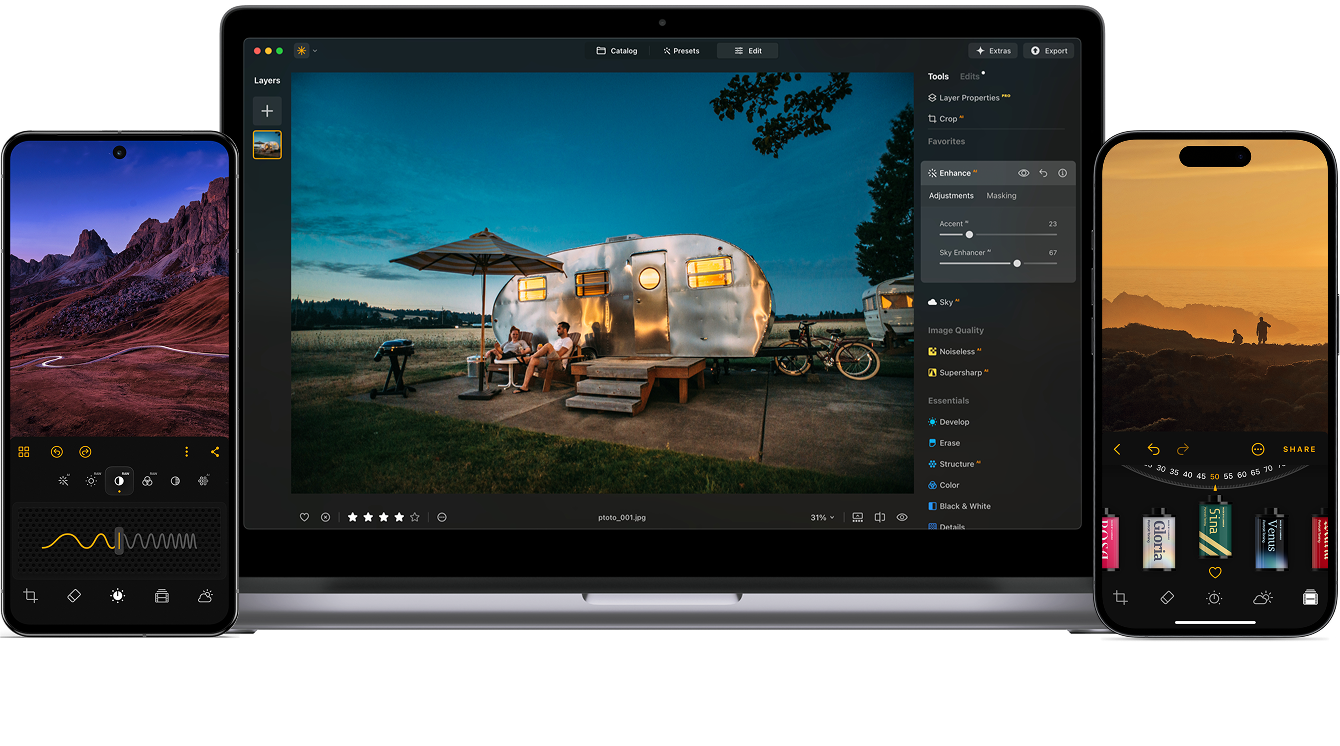
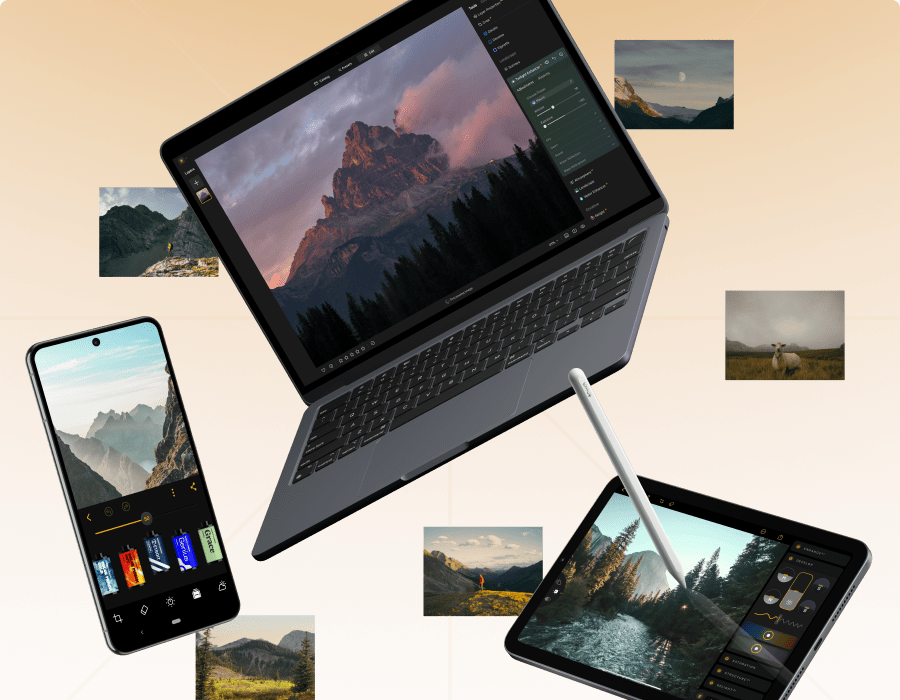
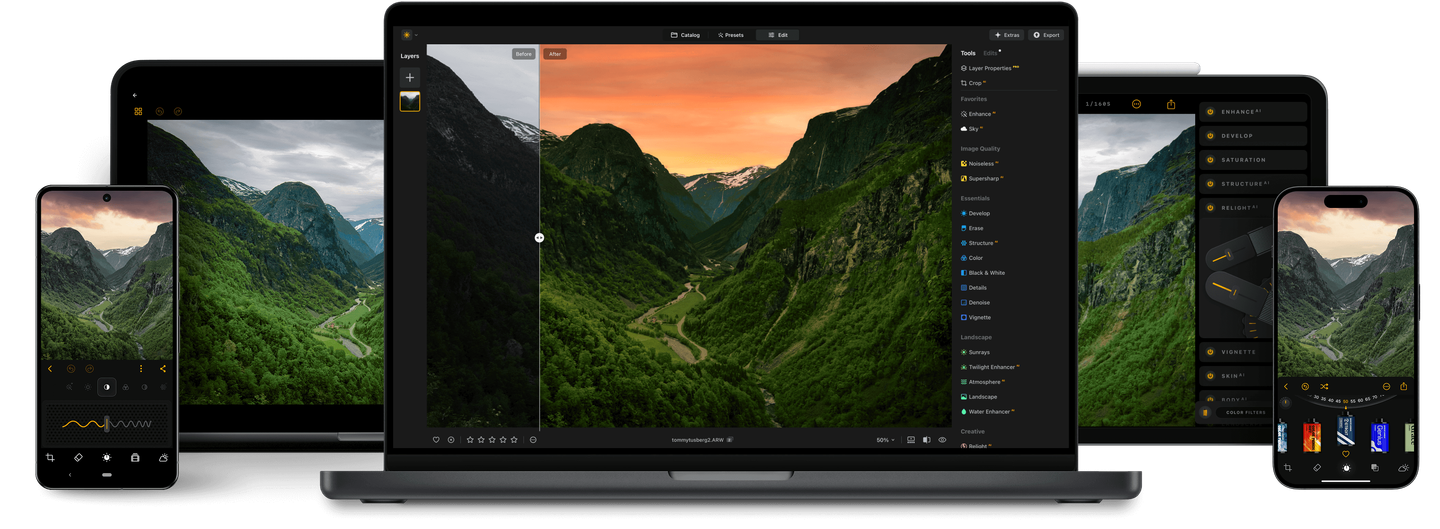
Edit anywhere anytime with Luminar Ecosystem

Luminar

Luminar for desktop, tablet and mobile

24+ AI-based tools

100+ precise features

Full privacy with on-device editing

Full privacy with on-device editing

30 days money back guarantee

5 reasons why Luminar
is the best photo editor for you

Lifetime access

Lifetime access

Choose the plan you want, including lifetime. Pay once — use forever.

AI-Powered

AI-Powered

Advanced AI features automatically enhance your photos and save you time.

Easy to use

Easy to use

An intuitive interface and smart tools make editing simple for everyone.

Connected Ecosystem

Connected Ecosystem

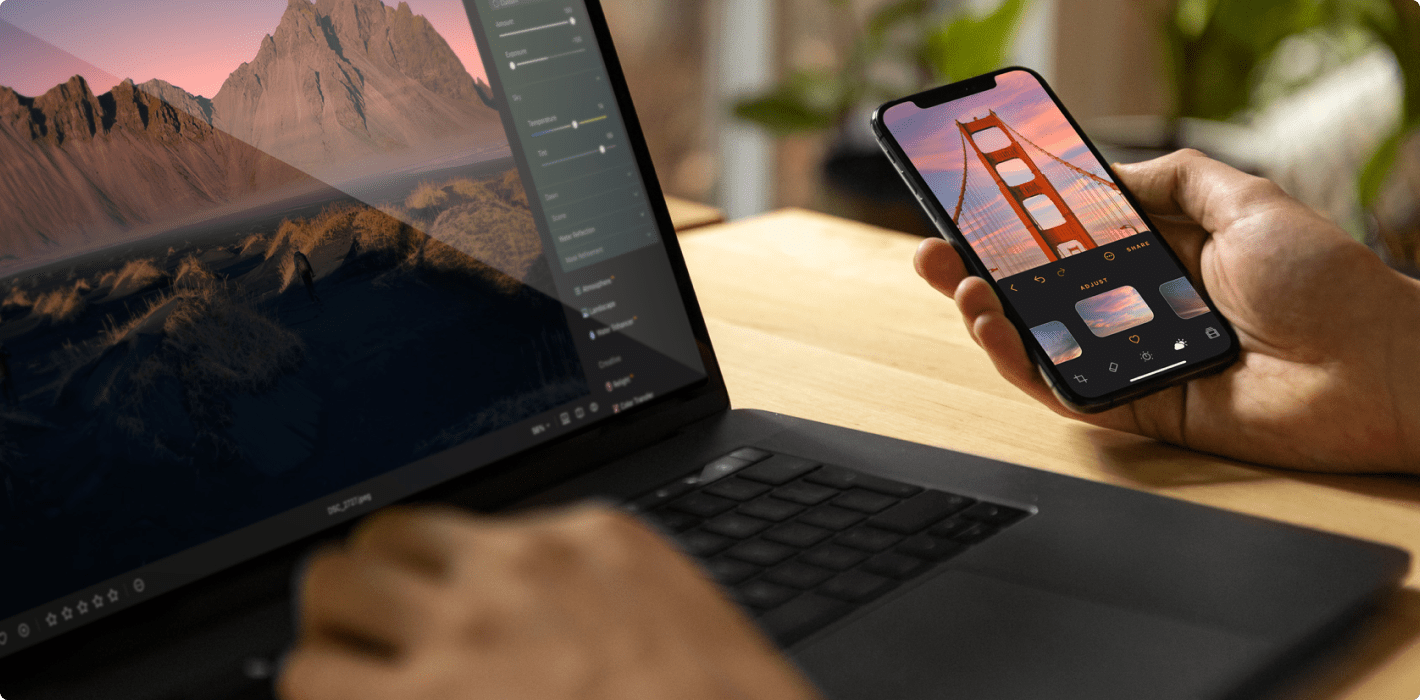
Start editing on your phone or tabled, finish on desktop — your work stays synced.

Use as a plugin

Use as a plugin

Integrate seamlessly with Lightroom and Photoshop for smooth, flexible editing.

Discover Luminar Neo’s capabilities

With support for raw files, exporting in all major file formats, layers, masking, and much more, photography editing software Luminar Neo meets all your editing needs.

AI image enhancement
Artificial intelligence (AI) technology detects which areas of your photo should be enhanced. Just move one slider and watch as adjustments are accurately applied.
Raw editing
Luminar Neo supports over 1000 cameras. It works with JPEG, PNG, and TIFF files, many raw files (including CR2, CR3, NEF, ORF, and RAF), and even more file formats.
Layers support
Use layers to combine multiple elements in one project. Layers can contain photos, textures, and adjustments.
Non-destructive editing
Your original image is always safe. Review and make changes to your edits whenever you like.
Lens correction
Remove any image flaw caused by optical distortions. Defringe, remove a vignette, or remove chromatic aberrations in one move.
Clone tool
Replace unwanted or damaged pixels with pixels of your choosing from anywhere in your photo. Easily cover up damage or blemishes.
Dodge & burn
Take full control over the lighting in your photos. Regulate the amount of light in a particular area to draw attention to it.
Color enhancement
Use this tool for precise control over colors. Adjust brilliance, warmth, contrast, and balance in a matter of seconds.
Crop and resize
Automatically adjust composition, crop, and perspective. Change the aspect ratio and effortlessly resize an image.
Batch processing
Save time by applying the same adjustments to multiple photos using batch processing. Conveniently apply adjustments to a large set of images shot under similar conditions.

Discover Luminar Neo’s capabilities

With Pro Tools, you can sharpen, denoise, upscale, and merge exposures or panoramas
to reveal every detail exactly as you imagined it.

Upscale

Enlarge your photos while preserving every detail and texture.

Original
Apply Upscale
Before
After

Supersharp AI

Restore perfect sharpness and bring out crisp, defined edges.

Original
Apply Supersharp AI
Before
After

Noiseless AI

Effortlessly remove digital noise for clean, high-quality images.

Original
Apply Noiseless AI
Before
After

Focus Stacking

Combine multiple shots to achieve flawless focus throughout the frame.

Original
Apply Focus Stacking
Before
After

HDR Merge

Blend different exposures to reveal balanced light and vivid tones.

Original
Apply HDR Merge
Before
After

Panorama Stitching

Seamlessly merge photos into stunning wide-angle scenes.

Original
Apply Panorama Stitching
Before
After
Prev
Next

Just 4 steps to spectacular results

Transform any photo from ordinary to breathtaking in just a few clicks. With intelligent AI tools guiding every step, you’ll enhance, refine, and perfect your image effortlessly.

Before
After

Just 4 steps to spectacular results

Transform any photo from ordinary to breathtaking in just a few clicks. With intelligent AI tools guiding every step, you’ll enhance, refine, and perfect your image effortlessly.

  • Original
  • GenErase
  • SkyAI
  • Color
  • Sunrays

Retouch like a pro in four steps

1. Open your image

Start with any portrait you’d like to enhance.

2. Add Skin AI

Smooth skin and remove imperfections for a flawless, natural look.

3. Use Face AI

Adjust face light, refine shape, and enhance features effortlessly.

4. Apply Mood

Color grade your photo to set the perfect tone and atmosphere.

5. Enjoy the result

BeforeAfter

Edit a whole photoshoot in one click

Save time with batch editing and a rich selection of presets
that keep every photo looking stunning.

Choose your ideal creative plan

Lifetime access or flexible subscriptions for every workflow.

Ecosystem Background
No risks & no hidden fees
24/7 technical support
30-day money back guarantee

FAQ

Luminar Neo is a powerful, next-generation photo editing software designed to inspire creativity and deliver professional results with ease.

It features an intuitive interface and a modern toolkit powered by cutting-edge AI technologies. With a flexible, performance-focused engine at its core, Luminar Neo offers faster editing, seamless layer-based workflows, and precise control over every detail. Whether you're enhancing portraits, transforming landscapes, or exploring your artistic vision, Luminar Neo makes the editing experience both efficient and enjoyable.

read full guide

App Requirements

macOS

Mac Model

MacBook, MacBook Air, MacBook Pro, iMac, iMac Pro, Mac Pro, Mac mini, early 2010 or newer

Processor

CPU Intel® Core™ i5 8 Gen or better

OS version

macOS 12.0 or higher.

RAM

Memory 8 GB RAM or more (16+ GB RAM is recommended)

Disk space

Hard disk 10 GB free space; SSD for best performance

Display

1280x768 size or better

Windows

Hardware

Windows-based hardware PC with mouse or similar input device

Processor

CPU Intel® Core™ i5 8 Gen or better, AMD Ryzen™ 5 or better

OS version

10 version 1909 or higher (only 64-bit OS)

RAM

Memory 8 GB RAM or more (16+ GB RAM is recommended)

Disk space

Hard disk 10 GB free space; SSD for best performance

Display

1280x768 size or better

Graphics

Open GL 3.3 or later compatible graphics card